
| Workflow Stage | Instruction / Technical Action Details |
|---|---|
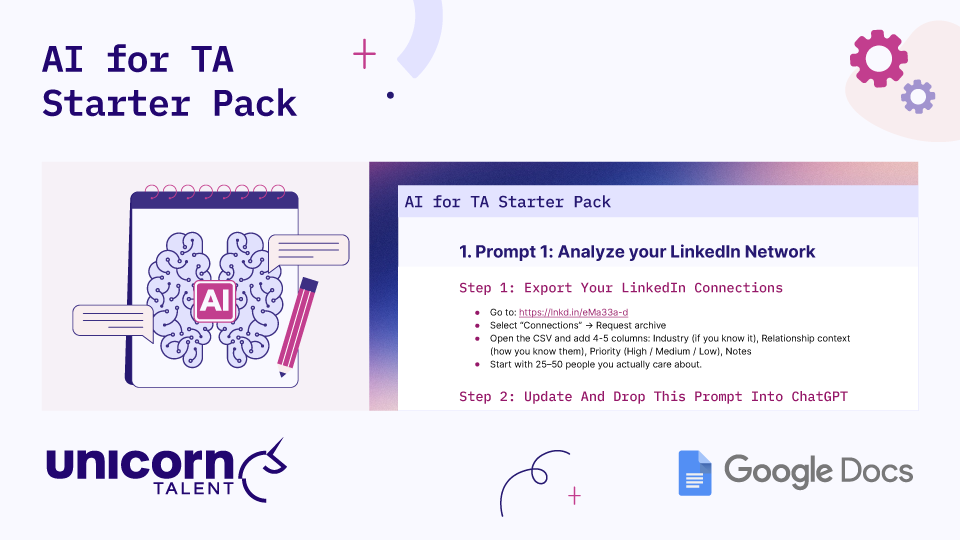
| Main Title | AI for TA Starter Pack |
| Section Header | 1. Prompt 1: Analyze your LinkedIn Network |
| Step 1 Subheading | Step 1: Export Your LinkedIn Connections |
| Step 1 - Bullet 1 | Go to: https://lnkd.in/eMa33a-d |
| Step 1 - Bullet 2 | Select "Connections" → Request archive |
| Step 1 - Bullet 3 | Open the CSV and add 4-5 columns: Industry (if you know it), Relationship context (how you know them), Priority (High / Medium / Low), Notes |
| Step 1 - Bullet 4 | Start with 25–50 people you actually care about. |
| Step 2 Subheading | Step 2: Update And Drop This Prompt Into ChatGPT |
| Platform Branding | Unicorn Talent logo (bottom left), Google Docs logo (bottom right) |
| Visual Context | An illustration of a notebook containing a brain graphic marked with "AI", two message bubbles, and a pink pencil. Two gears are pictured in the top right corner. |
TEMPLATE
Great prompts can be the difference between dabbling with AI and transforming how you lead. The Recruiting AI Starter Pack is a framework for sharpening your network, strengthening your brand, and making smarter, faster hiring decisions.